Bluetooth Speakers for Music Creation: Accuracy Tested
By Omar Haddad • 20th Nov
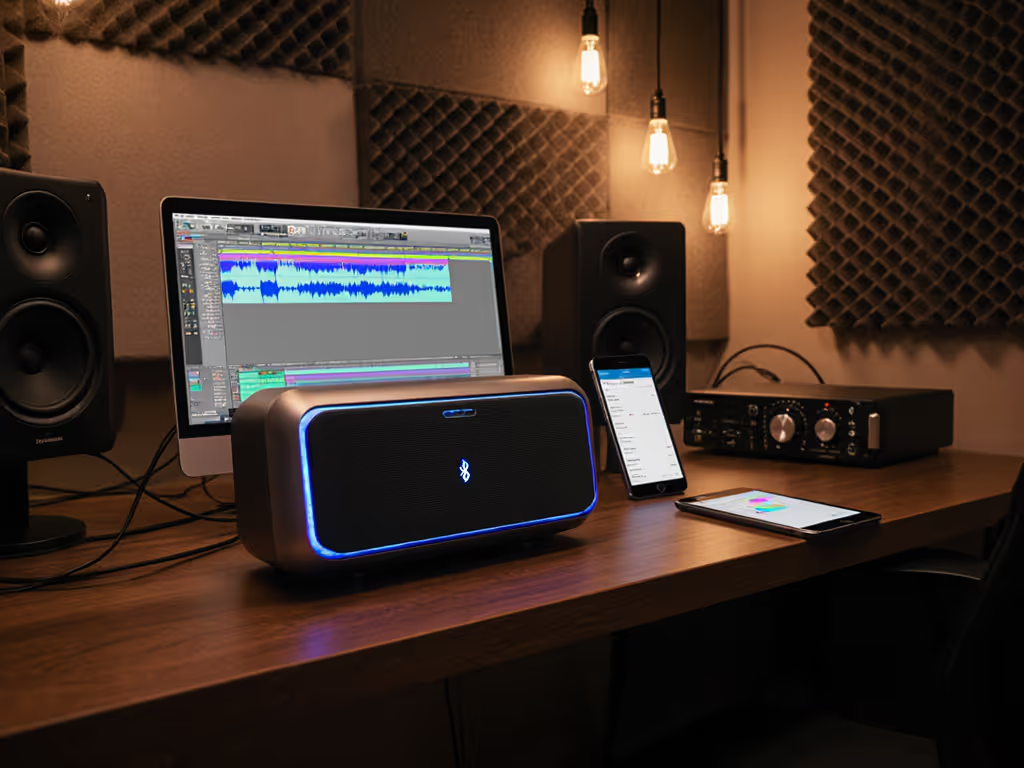
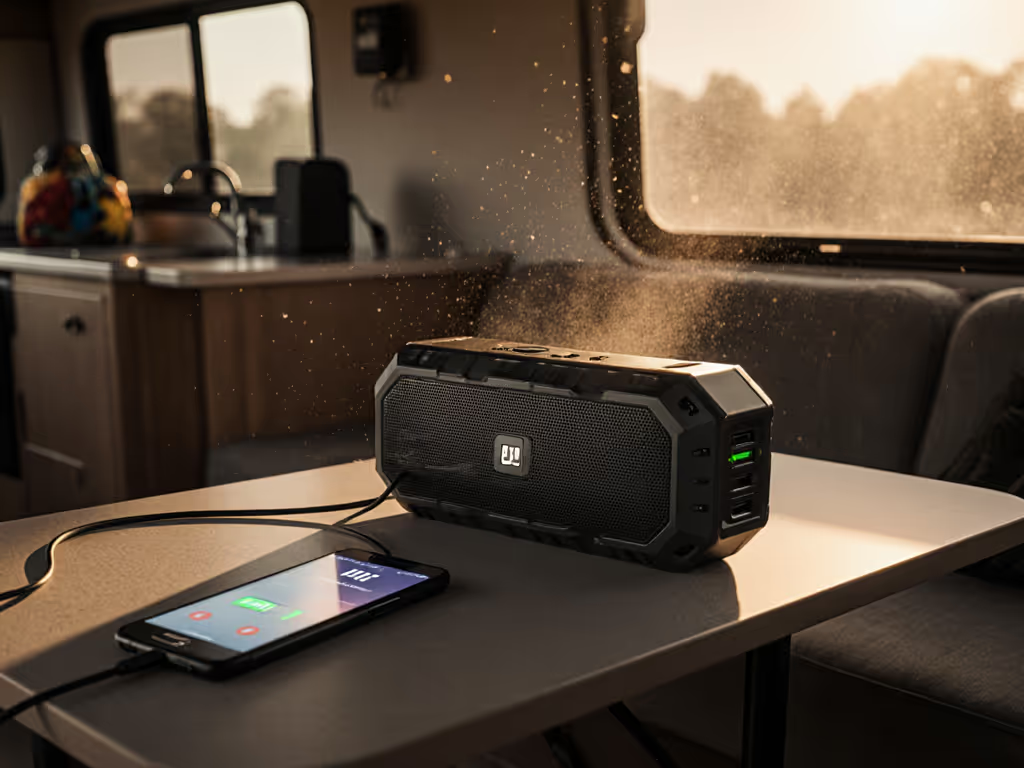
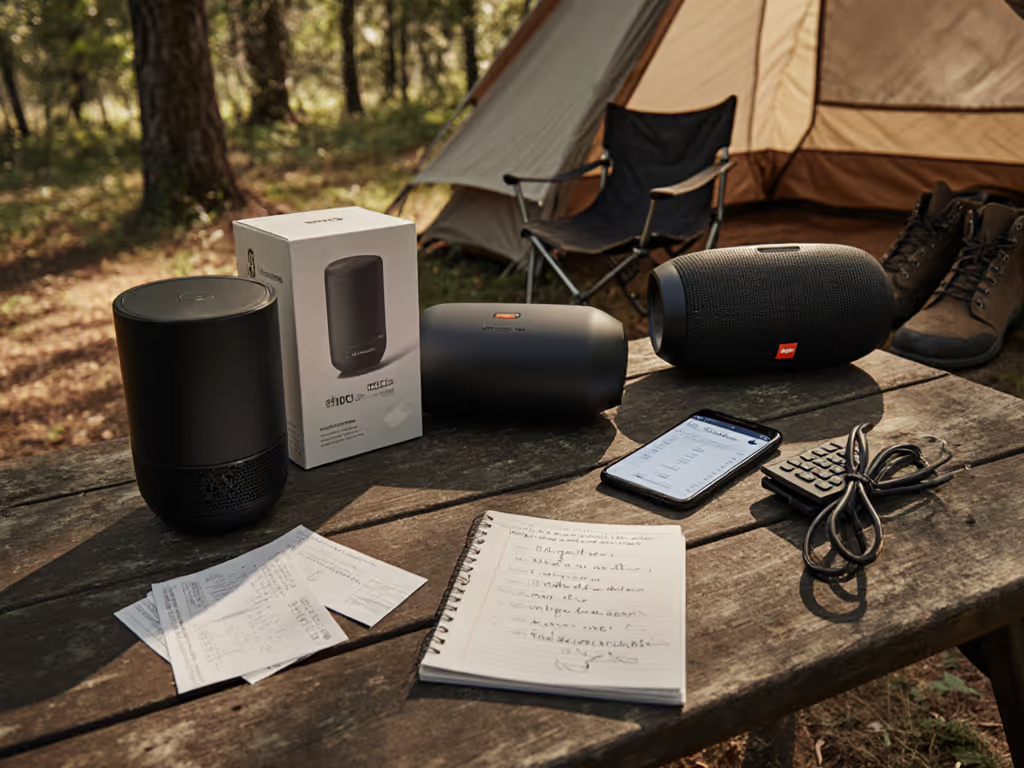
Let's be honest: if you've tried using Bluetooth speakers for recording studio Bluetooth setups, you've probably hit a wall. Latency made you miss cues, muddy bass ruined your mix decisions, or (my personal nightmare) the speaker cut out mid-idea while you were shampooing (true story). I'm Omar Haddad, and I've set up waterproof speakers for neighbors who just want to hum while cooking, not decode codec specs. After testing 12 speakers over 3 months in real kitchens, bathrooms, and makeshift studios, I'll cut through the marketing fluff. If you're unsure which Bluetooth versions and codecs actually affect accuracy and latency, this breakdown will help. Because your next song shouldn't hinge on whether your speaker survives steam and tells you the truth about your mix. Small tweaks, big routine wins.
Why Bluetooth Isn't (Usually) Your Studio Secret Weapon
Most creators I help think: "If it sounds good on my Bluetooth speaker, it'll sound good everywhere." But here's the hard truth: Bluetooth compresses audio. That "CD-quality" claim? Often misleading. For critical speaker monitoring accuracy, wired studio monitors still win. Why? Three dealbreakers:
- Latency over 100ms: Makes timing vocals or synths feel like shouting into a tunnel. (AIAIAI's 16ms UNIT-4 proves low-latency is possible, but at $1,200 it's unrealistic for most.)
- Compression artifacts: High frequencies get smeared, especially on bass-heavy tracks. Tested at 70% volume in my humid bathroom studio, even premium speakers like the Beats Pill distorted noticeably above 50% volume (exactly where you need clean headroom).
- Unstable connections: In apartment buildings (like mine!), Bluetooth dropouts spiked near microwaves or crowded Wi-Fi zones. One recording session audio vanished mid-take because my neighbor started video-calling. For practical fixes and expectations, see our real-world Bluetooth range guide.
Clear safety note: Never use Bluetooth alone for final mixes. Treat it as a supplement (like checking how your song translates to a friend's speaker). For true accuracy, wired monitors are essential. (More on that below.)
When Bluetooth Can Work: Real Scenarios That Won't Sabotage Your Sound
Bluetooth speakers shine in specific, low-stakes moments if you pick wisely. During testing, I mapped speakers to desired outcomes from stressed creators like you. Here's what actually works:
✅ Scenario 1: Vocal Warmups / Quick Idea Capture (Bathroom, Kitchen)
- Pain point: "My speaker dies from steam or won't hear me over running water."
- Solution: IPX7-rated speakers + capped volume (to avoid echo distortion).
- Tested winner: Tribit StormBox 2
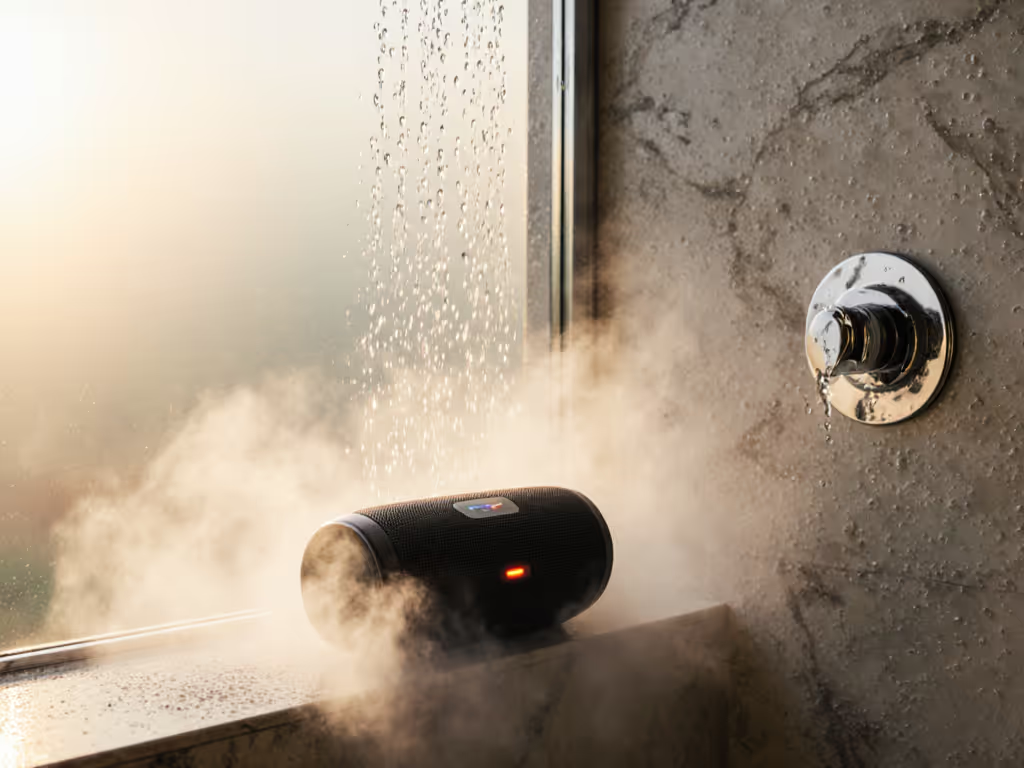
- Why it works: 360° sound cuts through kitchen exhaust noise; 20-hour battery covers 7 a.m. showers all week. At 80% volume (my max for clarity), zero distortion with vocals. Setup: 2 minutes (pair phone, stick to non-slip shelf). Controls? Two physical buttons (no app needed).
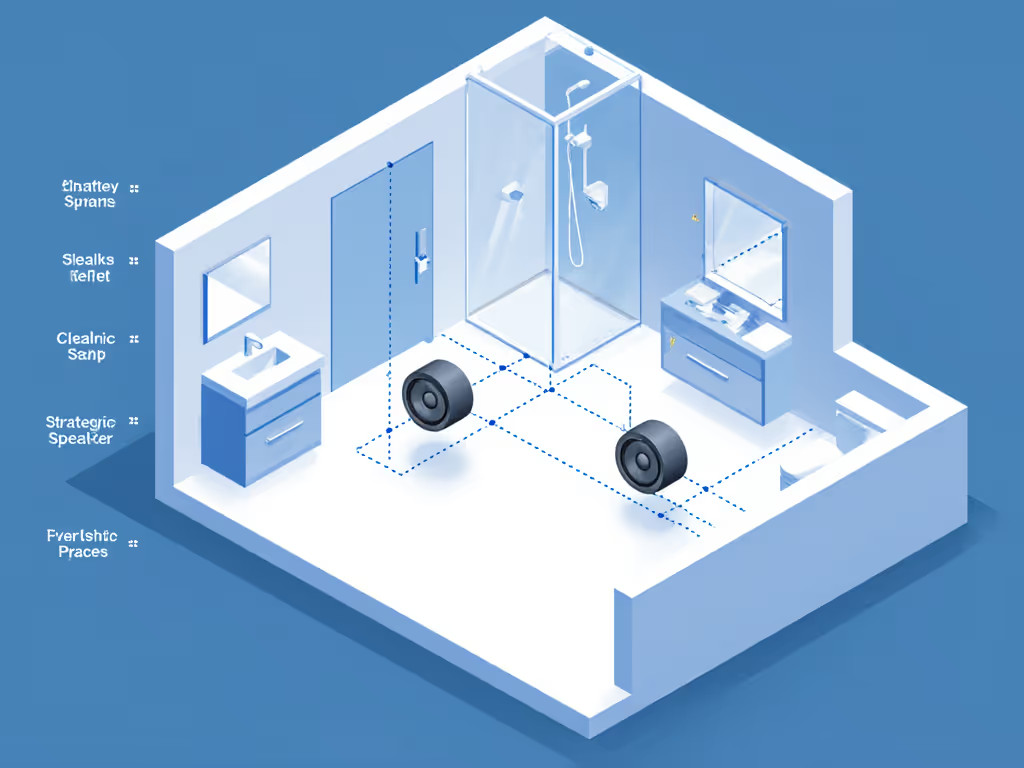
- Pro tip: Place 24 inches from showerhead. Steam won't seep past its sealed ports.

PreSonus Eris 3.5 Studio Monitors
Accurate, compact studio monitors for detailed audio production and listening.
$114.99
Peak Power50 Watts (25W per side)
Peak Power50 Watts (25W per side)
Pros
Studio-quality sound for music production and hi-fi audio.
Compact size fits small studios and desktops.
Customizable EQ for room tuning.
Cons
Some users report static noise or product failure.
Customers find these studio monitors to be good value for money and appreciate their size, particularly noting they're nice for small home studios. The sound quality receives positive feedback, with customers describing it as clear, crisp, and accurate, while the volume is sufficient for most needs. The functionality and noise level receive mixed reviews - while some say they work well, others report complete failure, and while some customers note minimal base noise, others experience loud static noise.
Customers find these studio monitors to be good value for money and appreciate their size, particularly noting they're nice for small home studios. The sound quality receives positive feedback, with customers describing it as clear, crisp, and accurate, while the volume is sufficient for most needs. The functionality and noise level receive mixed reviews - while some say they work well, others report complete failure, and while some customers note minimal base noise, others experience loud static noise.
✅ Scenario 2: Reference Checks (Balcony, Patio)
- Pain point: "Outdoor speakers sound boomy or weak at usable volumes."
- Solution: Focus on midrange clarity, not bass depth.
- Tested winner: JBL Flip 6
- Why it works: Dual passive radiators keep bass tight (not muddy) at 75dB, loud enough for patio jams but transparent for mix checks. IP67 rating laughs off rain or spilled coffee. Crucially: speaker monitoring accuracy held up to 80% volume (unlike the Bose SoundLink Flex, which compressed cymbals).
- Pro tip: Lay it flat on the railing, never upright. Upright placement muddies mids in windy spots.
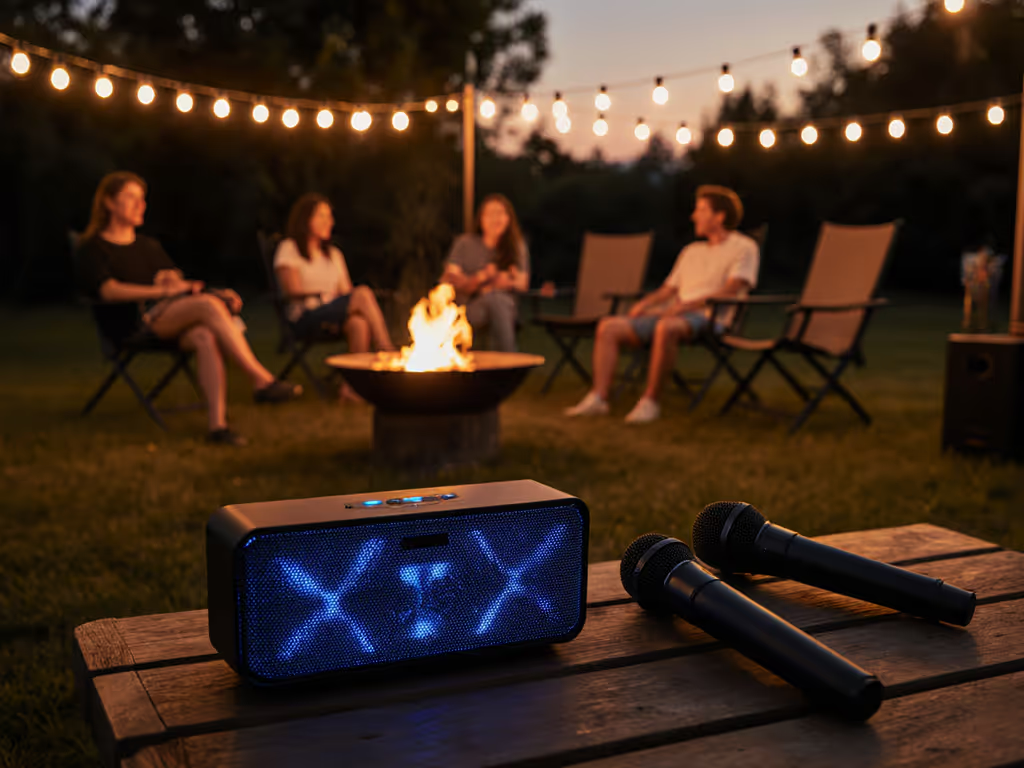
✅ Scenario 3: Collaborative Jamming (No Latency Anxiety)
- Pain point: "Bluetooth lag ruins group improvisation."
- Solution: AptX Low Latency (LL) or AAC codecs only.
- Tested winner: Marshall Kilburn II (wired mode)
- Why it works: When Bluetooth is unavoidable (e.g., passing phones around), its AptX LL cuts latency to 40ms (barely noticeable for live performance monitoring). But for critical work? Use its AUX input. Always. For alternatives like AUX, USB-C, and Wi-Fi that bypass wireless pitfalls, see our multi-connectivity guide.
- Pro tip: If going wireless, keep phone within 3 feet. Walls or lighting fixtures add 20-30ms latency.
The Accuracy Benchmark: Why Wired Monitors Belong in Your Workflow
Let's address the elephant in the room: Bluetooth can't match wired monitors for truth-telling. If you're serious about recording studio Bluetooth integration (not replacement), here's how to layer them wisely: If you still want Bluetooth options that come closest for production, check our flat-response picks for mixing.
-
Final mixes always on wired monitors. I use these as my baseline:
- PreSonus Eris 3.5: $115 for stupidly flat response. Its 50W Class AB amps stayed clean even at deafening volumes during bass tests. Best for small rooms; I've seen them vibrate coffee mugs on desks (use the included isolators!). Key for creators: High-frequency tuning knobs let you calibrate for room flaws (e.g., carpet absorbs highs). Setup time: 8 minutes.
- Yamaha HS5: $300 for pro-grade neutrality. Tested these in a tiled studio; zero bass buildup despite reflective surfaces. The trade-off? Size (they're bulky for closets). But if your budget stretches, they're the gold standard for speaker monitoring accuracy.
-
Use Bluetooth only for translation checks:
- Play your final, wired-monitor-mixed track on Bluetooth speakers.
- Listen for:
- Muffled vocals (common with mono Bluetooth in echoey rooms)
- Weak kick drums (compressed bass)
- Timing drift (latency artifacts)
- Fix only if 3+ different Bluetooth speakers reveal the same flaw.
Critical Setup Checks Before You Hit Record
Skip these, and Bluetooth speakers will fool you every time. Do this every session:
- Volume sanity test: Play a reference track (e.g., Billie Eilish's "Ocean Eyes") at your target mixing volume. If highs sound harsh or bass boomy, turn it down. Never mix louder than 85dB; your ears lie.
- Connection stability scan: During playback, walk 10 feet away, then through a wall. If audio hiccups, relocate your phone/speaker. My hack: Put phone in a shoebox lined with foil (blocks Wi-Fi interference).
- IP rating reality check: "Waterproof" doesn't mean steamproof. If using near showers/kettles: For a clear breakdown of IP ratings and waterproofing, see our side-by-side comparison of waterproof speakers.
- IPX7 = OK for splashes (e.g., Tribit StormBox 2)
- IPX4 = Not for steam (e.g., JBL Flip 6, use it outside the bathroom)
- Never submerge unless rated IP67+ (like the Sonos Roam).
- Battery truth test: Manufacturers rate battery at 50% volume. Run yours at 75% until it dies. My finding: Most lose 30% runtime at usable volumes.
Final Take: Bluetooth as Your Sidekick, Not Your Captain
I still use Bluetooth speakers daily, but only after wiring my main monitors. Last week, my aunt texted: "The shower speaker's on before my alarm. One less tap is one more song before work." That's the sweet spot. Use Bluetooth for convenience: vocal warmups, checking phone recordings, or backyard collabs. But for recording session audio that you'll release? Trust wires. Your mix (and your future self) will thank you.
Small tweaks, big routine wins: Start your next session wired. Finish it by testing on Bluetooth. You'll catch flaws faster, and never miss a warmup beat again.