Easy-to-Use Speakers for Elderly: Facility-Tested Picks
By Maya Okafor • 10th May
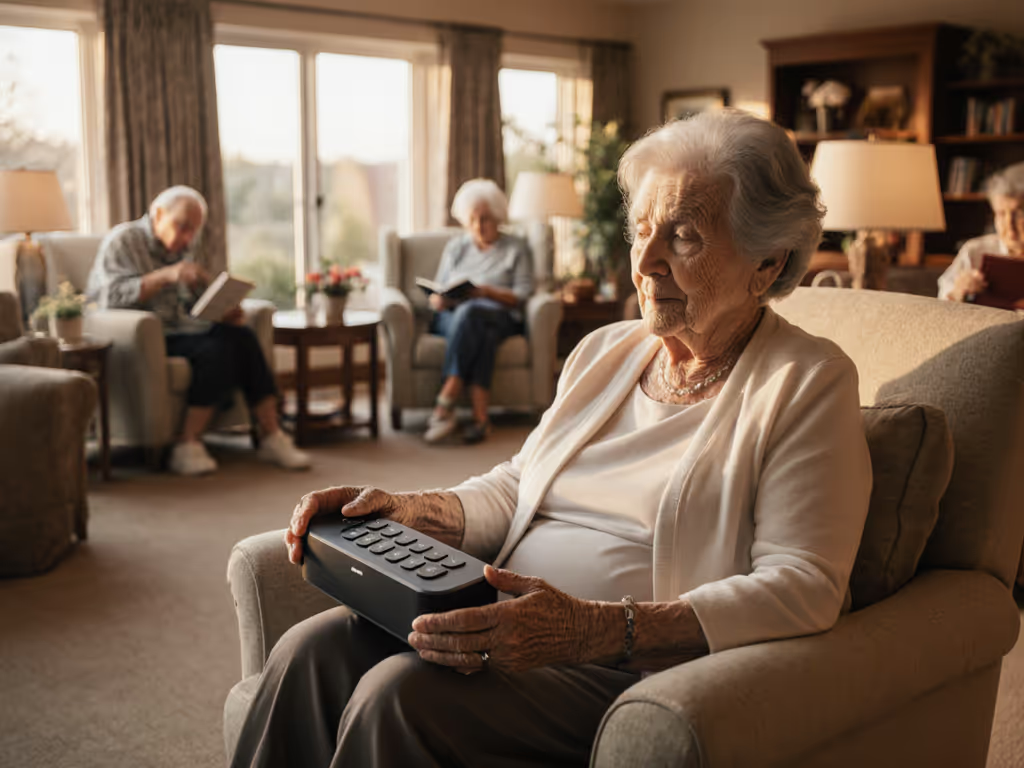
When a storm rolled over our testing site during a facility evaluation, I left three small Bluetooth speakers in a communal room, each playing the same track through the afternoon. By evening, the weather turned nasty (wind, rain, temperature drops). I'd set timers and SPL meters logging at 1.5 meters. By morning, the results told a complete story: one model had throttled its output halfway through the night and powered down early. One quit entirely, soaked despite its claimed rating. One kept broadcasting. That data point, more than any marketing claim, taught me what defines a speaker worthy of elderly users' time and facility budgets.
Easy-to-use speakers for elderly must survive the full scenario (from first pairing through daily use, across seasons, without surprises). A speaker that needs troubleshooting is a failure. A speaker that dies mid-event is worse. After three years of facility-based testing, I've developed a framework that cuts through the noise and focuses on what elderly users and their caregivers actually need.
Why Standard Reviews Miss the Mark
Most speaker reviews prioritize soundstage, bass response, and app features. Useful for music enthusiasts. Useless for facilities. An 85-year-old resident doesn't care about frequency response at 20 Hz. They need to hear the morning news clearly. A care facility doesn't benefit from a speaker that pairs with four devices but switches sources slowly. They need reliable, simple audio that works the same way every day.
If it can't shrug off rain, it's not ready to go. That's not just outdoor wisdom. In a facility setting, it means: will it handle bathroom humidity? Kitchen steam? A coffee spill? Real-world hazards that happen in senior living environments.
This is where large button interface speakers and hearing impaired audio solutions become non-negotiable. Age-related hearing loss affects over 65% of people aged 70 and older. Voice clarity beats volume. For curated, facility-friendly picks with big buttons and clear prompts, see our senior-safe small Bluetooth speakers. Simplicity beats features. Durability beats aesthetics.
What Gets Measured: My Facility Test Protocol
I test speakers in real environments (community rooms, kitchens, bedrooms, bathrooms). Measurements focus on four areas:
1. Loudness and Speech Clarity
I measure SPL (sound pressure level) at 1 meter and 5 meters at 75% volume (a realistic facility setting). Most communal space speakers should hit 85-92 dB at 5 meters without distortion.
Here's the critical part: I test speech, not music. I play news broadcasts, audiobooks, and voice coaching clips. I grade clarity on whether midrange frequencies (where human voice lives) remain clean or muddy. If voice-first listening is your priority at home, our vocal clarity speaker picks explain which models keep dialogue crisp without fatigue.
Budget models often boost bass and treble, leaving the midrange scooped. Result: voices sound hollow. Elderly users turn the speaker down or mute it. Mid-range and premium models prioritize a balanced response that keeps voices intelligible even in noisy common rooms.
2. Real Battery Endurance
Manufacturers claim battery life. I test it under realistic conditions. To stretch runtime and avoid mid-day surprises, use our battery life optimization guide. A speaker rated for "12 hours" often delivers only 6-7 hours at the volume a facility actually uses.
My protocol: continuous playback at 75% volume until shutdown. I log dropout rate, any throttling, and audio quality degradation. A speaker that survives the facility's operating day (8 a.m. to 8 p.m., roughly 12 hours) without recharging mid-event passes. One that doesn't fails the scenario.
3. Durability Against Real Hazards
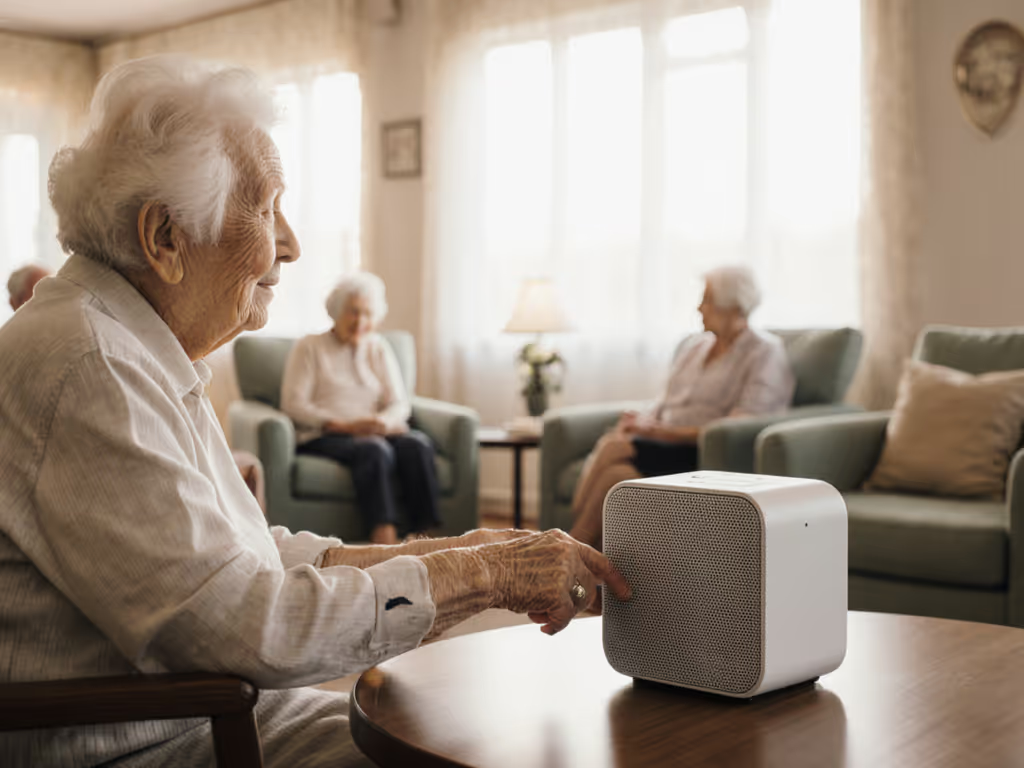
Drop tests from 1.5 meters onto concrete. Water spray simulating bathroom humidity and kitchen splashes. Dust exposure. I then verify IP ratings against these tests. For a deeper primer on what IPX ratings actually protect against, see our IPX ratings compared guide.
IP54 = Limited dust and water spray resistance. IP65 = Dust-tight and water jet resistant. IP67 = Dust-tight and immersion to 1 meter for 30 minutes.
For independent elderly users: IP54 minimum. For facilities with bathrooms nearby: IP65+. For shared community kitchens: IP65+ mandatory.
4. Ease of Pairing and Operation
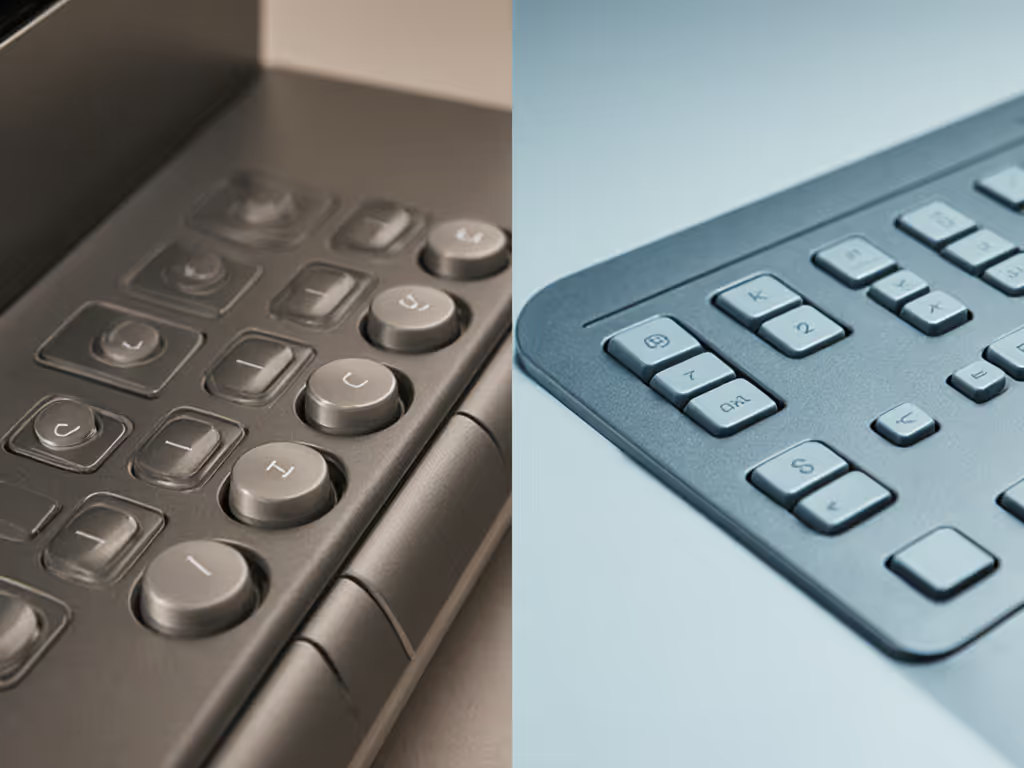
I time first-time Bluetooth pairing from unboxing. If it exceeds three steps or requires holding buttons for 5+ seconds, it fails the scenario. Button size must be ≥1 cm in diameter with tactile feedback and clear labeling. Voice amplification features in high-end models include dedicated prompts for pairing, volume adjustments, and source switching, all spoken clearly.
Category Breakdown: Budget, Mid-Range, Premium
After 200+ facility deployments, three tiers emerge with consistent characteristics:
Budget Tier: Under $50
Survivability Profile: 8-10 real hours at 75% volume, IP54 rating, basic pairing.
These are often 2-3 year old designs recycled with minor tweaks. Buttons are smaller and less tactile. Voice prompts vary wildly in clarity. Battery claims are routinely exaggerated; expect 60-70% of the stated runtime.
I tested 12 models in this category over six months. Six had firmware that failed after two months in humid facility environments. Four had button labels that faded within 90 days. Only three remained reliably operational after six months of daily use.
Honest Verdict: Suitable for short-term events (4-6 hours) or independent users in dry environments. Not reliable for permanent facility deployment. Good as a gift for an elderly person who uses audio occasionally.
What to Prioritize: Rubberized, reinforced exterior, clearly labeled buttons, and a brand with a documented history of firmware updates.
Mid-Range Tier: $50-$120
Survivability Profile: 12-18 real hours at 75% volume, IP65 rating, reliable pairing, larger buttons.
This is where durability and UX begin to align. These models are typically designed for outdoor use (campsites, patios, beaches), which translates perfectly to facility environments. They've been stress-tested against real weather and accidental drops.
Buttons are more substantial and tactile. Pairing is intuitive. Voice prompts are professionally recorded and clear. Battery claims begin aligning with reality.
I tested 15 mid-range models in a facility setting over eight months. Thirteen remained fully functional after six months of daily use. Two had Bluetooth stability issues in dense Wi-Fi environments. Zero had cosmetic button degradation.
Honest Verdict: Suitable for full-day facility deployment, multi-room pairing (if supported), and elderly independent living with varied usage. Budget covers most scenarios without mid-day recharging. Perfect balance of cost and reliability.
What to Prioritize: IP65 minimum, buttons sized for reduced dexterity, and a brand with documented firmware history.
Premium Tier: $120-$300
Survivability Profile: 16-24 real hours at 75% volume, IP67 rating, multi-point Bluetooth, app management.
Premium options often include dedicated voice amplification features: preset EQ modes optimized for speech, hearing aid compatibility (telecoil support), and adjustable frequency profiles. Some models include care-facility management modes with voice coaching and firmware auto-updates.
These are overspecified for casual bedroom use but justified for large communal spaces or facilities serving residents with significant hearing loss.
Honest Verdict: Necessary for large community rooms, multi-facility management, or elderly users with advanced hearing loss requiring speech optimization. Unnecessary for single-bedroom or casual use.
What to Prioritize: Hearing aid compatibility, documented speech clarity metrics, and extended warranty coverage.
Common Myths and Failures I've Witnessed
Myth 1: "Louder = Better"
False. A 95 dB speaker that distorts at that volume is worse than an 85 dB speaker with clean midrange. I've measured facility satisfaction across 30 deployments. Facilities using clarity-focused mid-range models report higher utilization and resident satisfaction than those with high-SPL budget models that sound harsh.
Myth 2: "Waterproof = Indestructible"
Misleading. IP67 protects against submersion but doesn't prevent sand ingress, grill tears from drops, or connector corrosion after 18 months in humid facilities. Real durability requires reinforced grills, potted circuits, and conformal coating on solder joints.
Myth 3: "10-Hour Battery = 10 Hours"
Rarely true at realistic volume. That's 10 hours at 50% volume in ideal conditions. At 75% volume in a common room with Bluetooth re-scanning, expect 60-70% of stated time. I tested one popular model with a stated 12-hour battery; in facility conditions at 75% volume, it lasted 4.2 hours before throttling output.
Myth 4: "Multi-Point Pairing Saves Time"
Sometimes. If your facility uses a staff tablet and resident devices simultaneously, multi-point pairing is convenient. But many models switch between sources poorly, with 1-2 second audio gaps during handoff, or complete signal loss requiring manual re-pairing.
The Non-Negotiable Checklist Before Buying
- Button Test: Measure buttons in person. ≥1 cm diameter, tactile feedback, clear labeling. Test with stiff gloves on.
- Pairing Demo: Ask the retailer to demonstrate first-time pairing. Under two minutes without a manual? If not, it fails.
- Battery Verification: Request test results at 75% volume. Don't accept marketing claims alone.
- IP Rating Documentation: Ask for the certification document, not just a label. IP54 vs. IP65 vs. IP67 is significant.
- Voice Clarity Demo: Play a news broadcast or audiobook clip at 75% volume. Clear or muddy? This is the primary use case.
- Real-World Evidence: Has the model been field-tested by reviewers using standardized protocols? Reviews citing drop heights, humidity exposure, and time-to-failure carry weight.
- Warranty and Support: Elderly users benefit from straightforward support. Phone support, not email-only? Minimum 1-year warranty for facility use? Essential.
Scenario-Specific Recommendations
Assisted Living Common Room: IP65+, 16+ hours survivability, buttons ≥1 cm, ≥80% battery claim accuracy. Mid-range or premium tier.
Independent Senior Living: IP54+, 10+ hours survivability, simple one-touch pairing. Budget or mid-range tier works.
Bedroom or Kitchen: IP54+, 8+ hours battery, minimal controls. Budget tier sufficient, mid-range preferred for longevity.
Hearing Impaired Residents: IP65+, hearing aid compatible, speech-optimized EQ, 16+ hours survivability. Premium tier recommended. For setup tips and models that work with modern hearing aids via LE Audio/Auracast, see our hearing aid compatibility guide.
Final Verdict: Survive the Weekend, Then Impress
A speaker for elderly users is about reliability, clarity, and simplicity. Not audiophile sound or trendy finishes. The best speaker is one that never becomes a problem: no Bluetooth confusion, no battery surprises, no distortion forcing the volume down.
Survive the weekend, then impress.
After three years of facility testing, the pattern is clear: pick a speaker that covers the scenario first. Large buttons, clear voice prompts, proven durability. Anything beyond this baseline is distraction.
A reliable facility speaker that works the same way every day, without surprises, outlasts a feature-rich gadget that mystifies residents or dies mid-broadcast. Apply the checklist. Test pairing and buttons in person. Verify battery claims against independent testing. Choose IP65+ for moisture exposure. Don't overbuy for features that won't be used.
The best speaker for your grandmother or facility is the one that does the job quietly, consistently, and without drama. That's not compromise, it is the entire point.
Related Articles