Bluetooth Speaker Security: Lock Down Privacy Risks
By Omar Haddad • 31st Oct
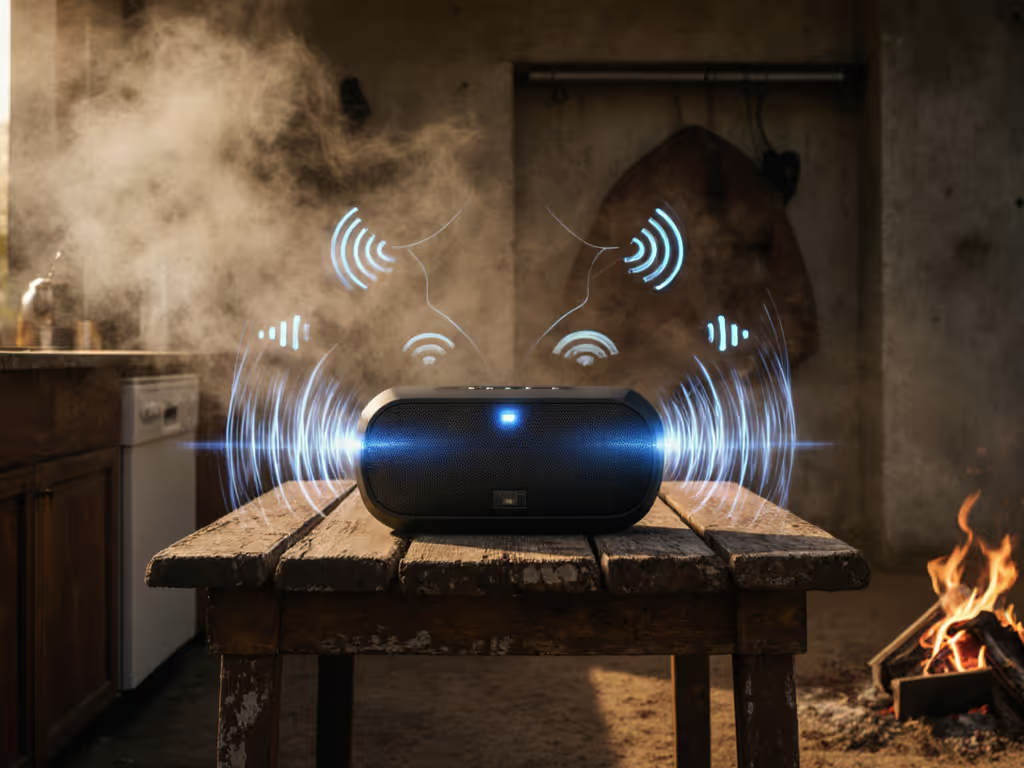
Your Bluetooth speaker is probably the most trusted guest in your home, playing your morning playlist, serenading dinner parties, and filling shower time with your favorite tunes. But what if I told you that same convenient device could be a privacy risk? Bluetooth speaker security isn't just for tech geeks; it's essential knowledge for anyone who wants their wireless speaker privacy protected while enjoying music in the bathroom, kitchen, or backyard. The good news? Locking down your audio setup takes less effort than pairing your speaker in the first place.
Understanding the Real Risks (Without the Hype)
Let's cut through the fear-mongering. Yes, researchers have found vulnerabilities in Bluetooth devices that could allow eavesdropping, like the recent findings affecting nearly 30 popular models from major brands. But here's what matters to you: for someone to exploit these Bluetooth hacking risks, they typically need to be within 30 feet of your speaker, and the attack usually requires your device to be in pairing mode or have outdated firmware. If you're curious how distance and walls affect security exposure, see our real-world Bluetooth range guide.
Think of it like this: your Bluetooth speaker is like a friendly neighbor who waves hello from their porch. Most neighbors are great, but occasionally one might get too nosy. The solution isn't to build a fortress: it's to set clear boundaries.
The most common threats you might encounter:
- Bluebugging: When someone gains backdoor access to make calls or listen through your device
- Man-in-the-Middle attacks: Where communication between your phone and speaker gets intercepted
- Bluetooth impersonation: Fake devices pretending to be your trusted speaker
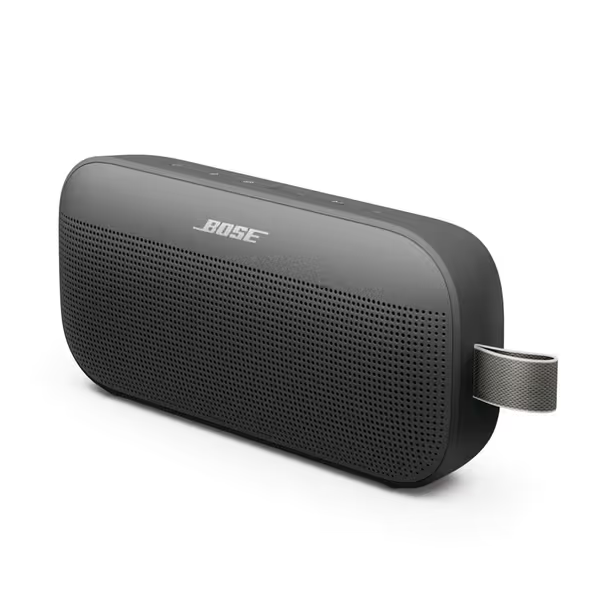
Bose SoundLink Flex
Big, bold sound; compact, rugged, and ready for any adventure.
$159
IP RatingIP67 (Waterproof & Dustproof)
IP RatingIP67 (Waterproof & Dustproof)
Pros
Clear, balanced sound with deep bass at any orientation.
Robust build: waterproof, dustproof, and drop-resistant.
Rock-solid Bluetooth 5.3 connectivity; multi-device pairing.
Cons
Premium price point for its size.
Customers praise this portable speaker's sound quality, with one highlighting its adjustable EQ feature. The device features impressive battery life that recharges quickly, and its Bluetooth connectivity is rock-solid, making it easy to connect to phones and iPads. Customers appreciate its compact size that's large enough for great sound, and find it well worth the price. They value its portability, noting it's perfect for travel and easily fits in purses, while also praising its functionality, with one mentioning it works well in a 500sf living room.
Customers praise this portable speaker's sound quality, with one highlighting its adjustable EQ feature. The device features impressive battery life that recharges quickly, and its Bluetooth connectivity is rock-solid, making it easy to connect to phones and iPads. Customers appreciate its compact size that's large enough for great sound, and find it well worth the price. They value its portability, noting it's perfect for travel and easily fits in purses, while also praising its functionality, with one mentioning it works well in a 500sf living room.
Simple Security Habits That Actually Work
Turn Off What You're Not Using
This is the single most effective step, and it takes zero technical skill. When your speaker isn't playing music, turn it off completely. Even better: unplug it if it's a home model. Many modern speakers (like the Bose SoundLink Flex) have physical power buttons instead of just sleep modes, one press to secure, one press to play.
Update Firmware Regularly
Manufacturers quietly patch security holes through firmware updates. Most newer speakers handle this automatically, but check your companion app monthly. Setup time: under 2 minutes. Trust me, I've shown neighbors how to do this during our weekly coffee catch-ups, and nobody's missed a single song since.
Mind Your Pairing Mode
That blinking light indicating "pairing mode"? It's like leaving your front door wide open. Only enable pairing when you're actively connecting a new device, and disable it immediately after. Ideal pairing time: 30 seconds or less. If your speaker stays in pairing mode for hours, it's time to consider a model with smarter defaults.
Privacy Settings Demystified: No Tech Degree Required
Speaker Data Collection: What's Happening Behind the Scenes
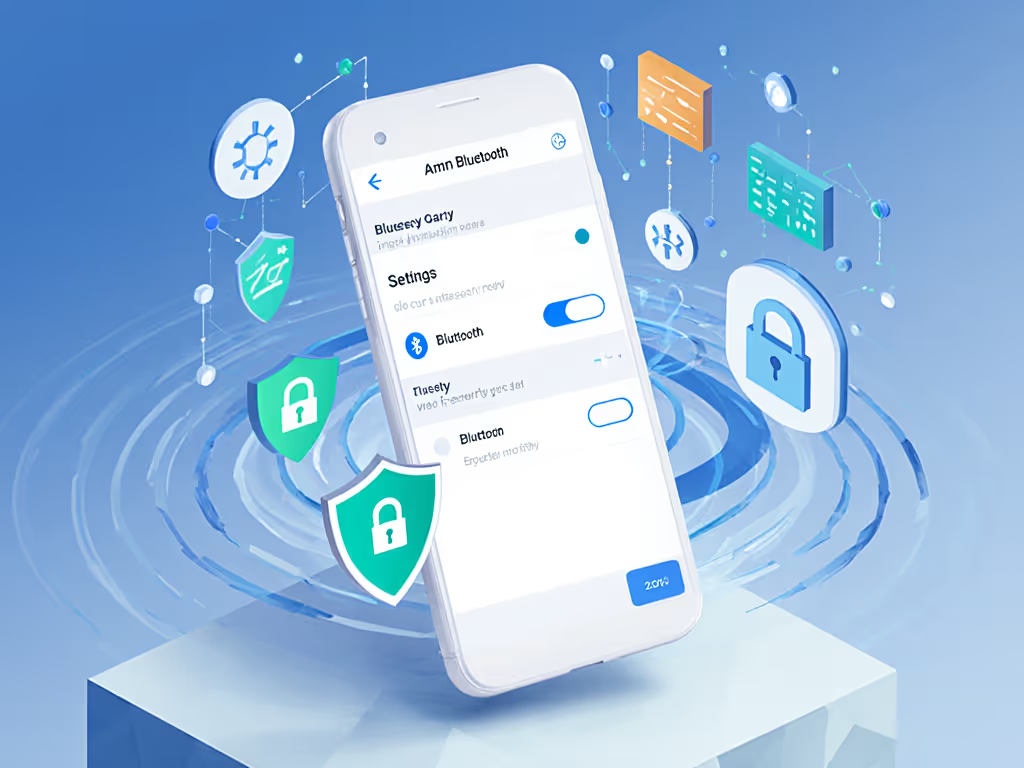
Many smart speakers collect usage data: what you play, when you play it, and even voice snippets if they have mics. If you're considering mic-enabled models, compare privacy controls in our smart Bluetooth speakers guide. Check your settings for these three critical toggles:
- "Send anonymized usage data" – Turn this OFF if you want true privacy
- "Voice assistant always listening" – Disable unless you genuinely use voice commands
- "Automatic firmware updates" – KEEP THIS ON (security first!)
Physical Security for Your Space
In bathrooms and kitchens (the places I help most people set up speakers), consider these clear safety notes (IP ratings, safe distance from splash): For a deeper breakdown, our IPX waterproof ratings guide explains what each rating actually protects against.
- Keep speakers at least 3 feet from direct water spray (even IPX7 models)
- Never place near steam sources (like shower vents) unless specifically rated for it
- For outdoor use, store indoors when not in use, moisture weakens seals over time
Room-by-Room Security Setup Guide
Bathroom Harmony, Without the Eavesdropping
Last month, I helped my aunt set up her shower playlist system: a waterproof shelf, a simple speaker, and clearly labeled controls. We made sure it had:
- Physical power switch (no voice activation)
- Auto-off timer (so it never stays on accidentally)
- Placement beyond direct spray but within earshot
One less tap is one more song before work.
The result? A calmer routine where she never worries about someone listening in. Setup time: 8 minutes. No apps, no voice prompts, no surprises, just music when she wants it.
Kitchen Safety Without the Complexity
In cooking spaces, I recommend speakers with:
- One-button play/pause (so you don't fiddle with controls while hands are messy)
- No persistent microphone (unless you actively use voice commands while cooking)
- Splash resistance but not submersion rating (IPX4 is perfect for kitchen counters)
Outdoor Peace of Mind
For patios and balconies, choose speakers with:
- Automatic power-off after 15-30 minutes of inactivity
- Physical pairing button (not always-on discoverability)
- Bluetooth 5.0+ (more secure protocols than older versions)
Your 5-Minute Security Checklist
Before you hit play on your next playlist, run through these quick steps:
- Unpair unused devices from your speaker's memory
- Disable voice assistant features if you don't use them regularly
- Verify physical placement is away from water sources and direct access points
- Check for available firmware updates (takes 60 seconds)
- Toggle off pairing mode when not actively adding new devices
This isn't about becoming paranoid: it's about ensuring your wireless home audio system remains the invisible helper it was designed to be. When tech works quietly in the background without demanding attention, that's when it truly enhances your life.
Small Tweaks, Big Routine Wins
Security shouldn't feel like a chore. By implementing these straightforward measures, you're not just protecting your privacy: you're creating a more reliable, predictable audio experience. The speakers that serve us best are the ones we forget about until we want music.
I've helped dozens of neighbors and relatives set up their systems with these principles, and the feedback is always the same: "I didn't realize how much mental space I was spending worrying about whether my speaker was listening."
Want to dive deeper into specific security features of your model? Check your manufacturer's website for their latest security whitepapers. They have gotten much better about transparency since these vulnerabilities came to light. And next time you're setting up a speaker, remember: true convenience includes peace of mind. Because when your tech disappears into your routine, that's when life's soundtrack plays at its best.
Related Articles